Server Upgrade 2026 (AI Readiness)
Around this time last year was my last significant upgrade to my home lab. I added a 64 core Ampere ARM server to my rack as a jack-of-all-trades to be my infrastructure's master node, equipped with a GPU for AI, and set up with a ZFS share as my NAS backup.
2025 has been one of the craziest years in the computing market. AI spending skyrocketed, DRAM and NAND prices have exploded, and SOTA AI models have been getting bigger.
Back when I was putting together my server with an RTX 3090 + RTX 5000 ADA, Deepseek was still new and Gemma 3 27B was the hottest hobbyist model.
Now? We have huge new SOTA models from Qwen, Minimax, Kimi AI, OpenAI dropped their gpt-oss-120b model a few months back, and Nvidia just released their 120B Nemotron 3 Super model. A larger amount of VRAM is now a baseline requirement to even be able to attempt running modern models.
After considering many options throughout the past few months, I've decided that I will be performing some much needed homelab upgrades to be AI-ready.
Re-scaling up my cluster
The first update is that I have retired my Raspberry Pi cluster. I had a cluster of 9 Raspberry Pi nodes, but the overhead power draw of the PoE hats, alongside with general instability of the PoE hats (2 out of 9 broke) and the Micro SD cards (3 out of 9 corrupted), I've decided that it was a little too much work to continue operating them. In the meantime, I've been running everything on the Ampere master node.
I'm replacing the Raspberry Pi cluster with the Framework Desktop (mainboard) 128GB Strix Halo machines. Starting with a single node, I plan to expand to a second node, probably even wait for Medusa Halo, but anyways utilize the massive APU as a general compute node for various tasks.
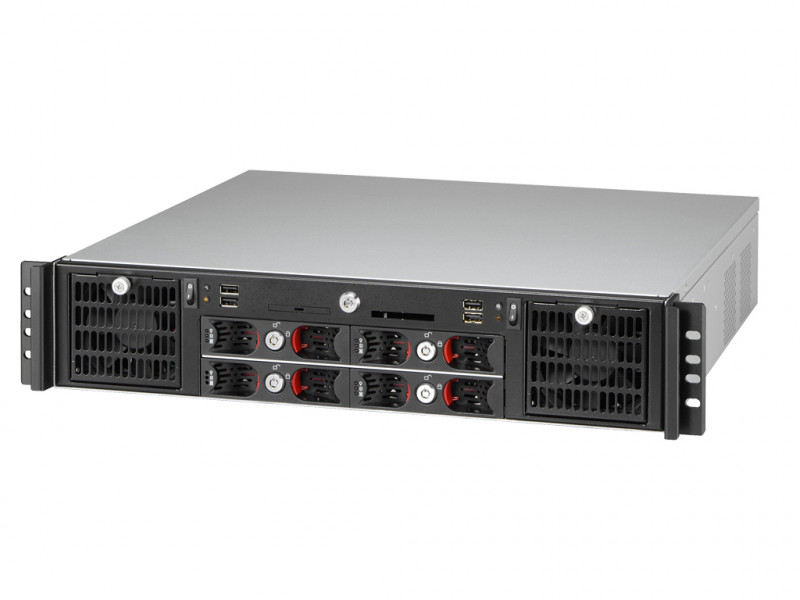
After extensive research, I've landed on a 2U Rackmount chassis from Travla, the TAWA T2240, which can house dual mini-itx systems.
And here is the first node installed in the case:
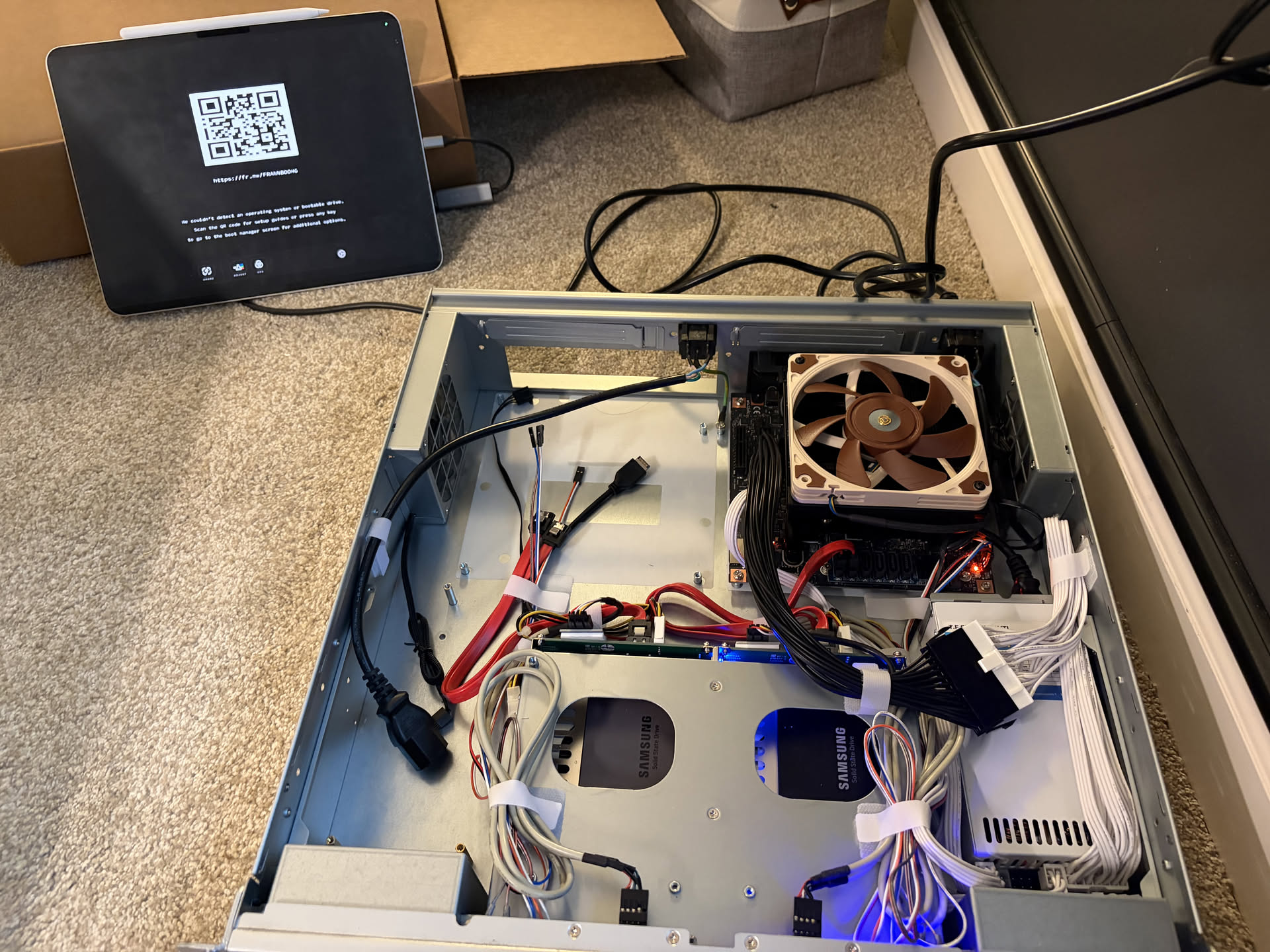
As you can see in the build above, there is an entire half of the system empty, waiting to be housed with a second node once the time comes (my wallet needs to first recover 😦)
AMD's Ryzen AI Max+ PRO 395 SoC with up to 128GB of shared system memory should give me the capability to run my containers, while still having compute headroom to run large LLMs, and even double as a cloud gaming node. It's incredibly versatile, compact, and low-power that I have a lot of things I want to do with it.
Daily-driver Upgrade
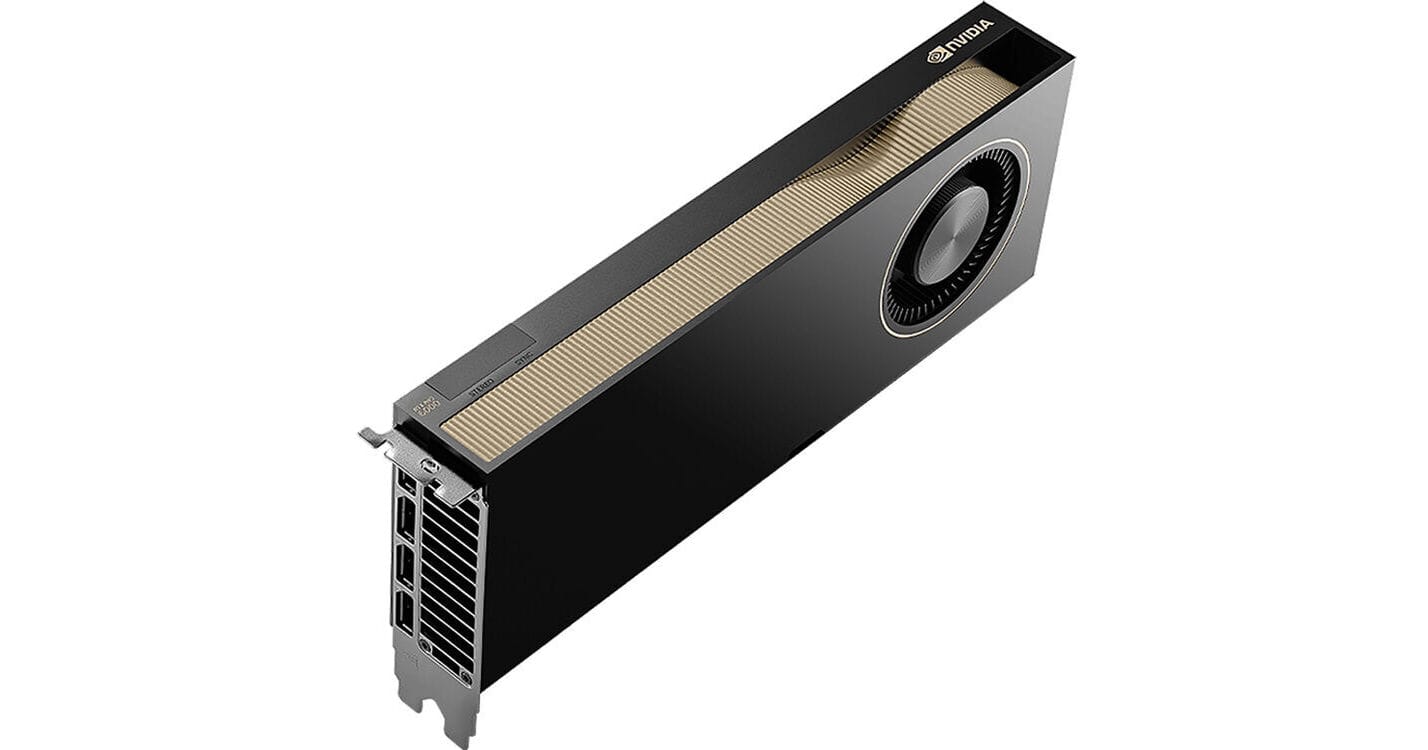
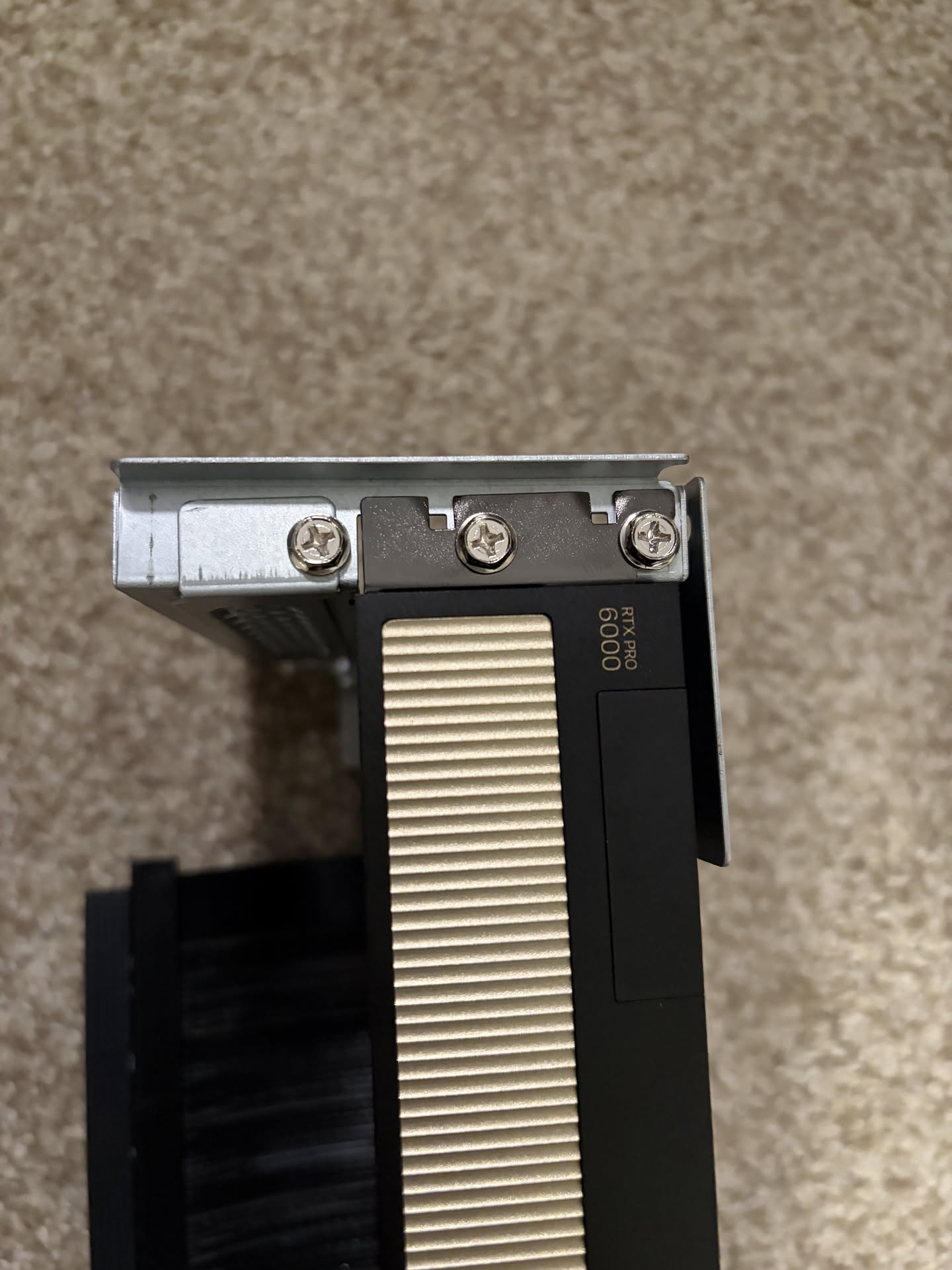
RTX Pro 6000 Blackwell
After countless sleepless nights planning out this upgrade, debating if this GPU will solve all my problems or not, I finally pulled the plug and upgraded my daily driver to the RTX Pro 6000 Blackwell. This is so that I can run larger models that have recently launched, like gpt-oss-120b, Qwen3.5-122b-a10b, and qwen3-coder-next, which I have been missing out with my smaller setup before.
This is the only workstation card on the market right now with this much VRAM, which means I can fit massive models entirely on a single card with room for high context windows. The move to GDDR7 also pushes memory bandwidth to 1,792 GB/s, nearly doubling the speed of the previous ADA generation, and essentially more than triple that of the RTX 5000 ADA which has a smaller memory bandwidth even compared to the RTX A5000 (ampere) prev-prev gen card.
Cooling upgrades
As explored in my previous blog posts, I've been in search of the perfect cooling solution for 2U form factor to power an AI workstation-grade PC.
I've come to the conclusion that the current Sliger CX2151c chassis I built my PC in is not suitable for a high-performance cooling solution.


The bottleneck isn't the 2U size, but the external drive bays taking up a little too much space for any kind of proper water-cooling installation.
The only aftermarket solution that was readily available seemed to be the Alphacool 3x80mm 2U AIO, but the sliger case that I was using only had enough room for a radiator of 2x80mm size.
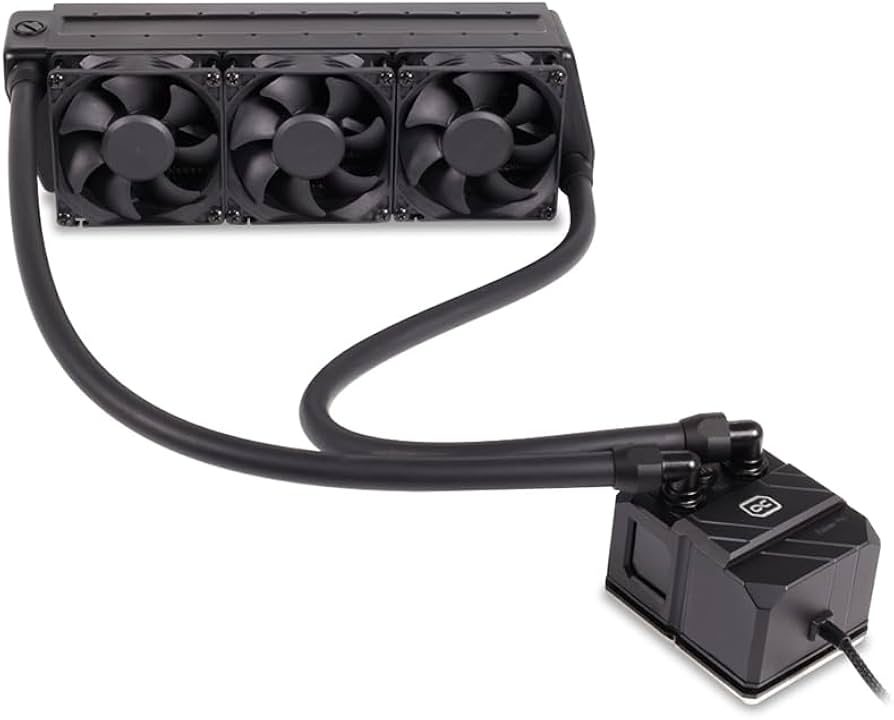
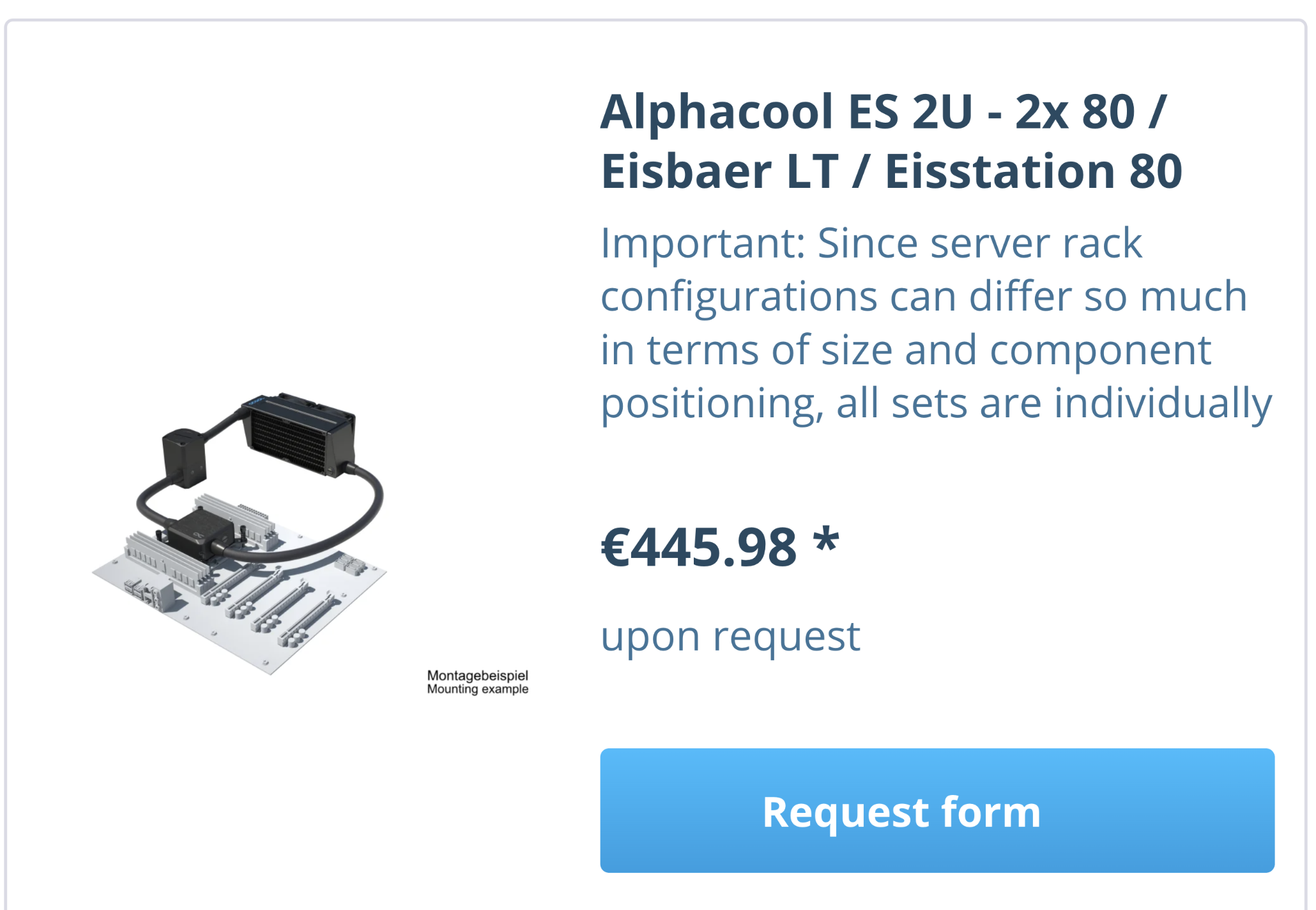
Recently, Alphacool launched a new lineup of 2u AIOs, including 2x80mm models, but they are sold bespoke, which makes it little too expensive and a long lead time.
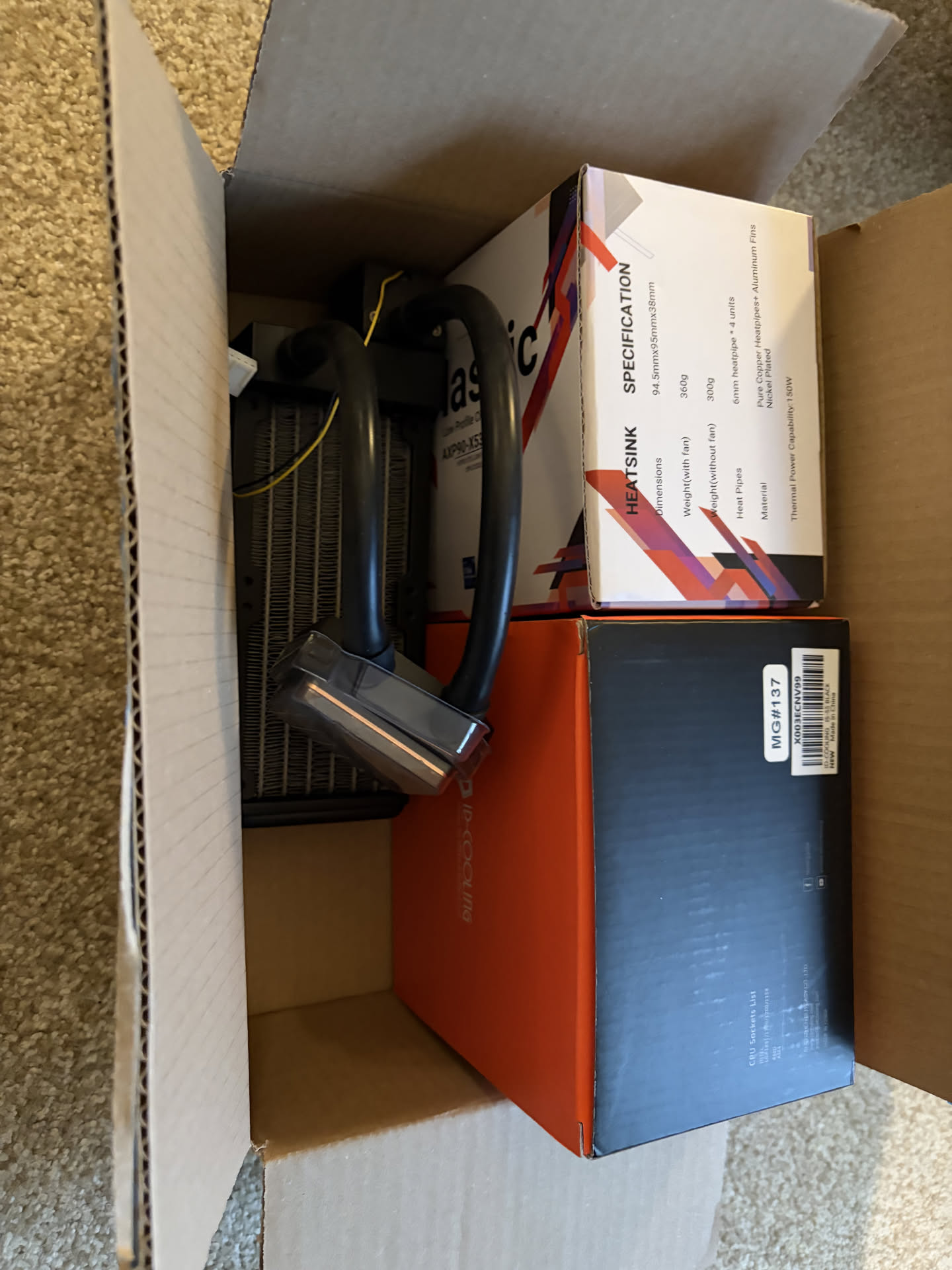
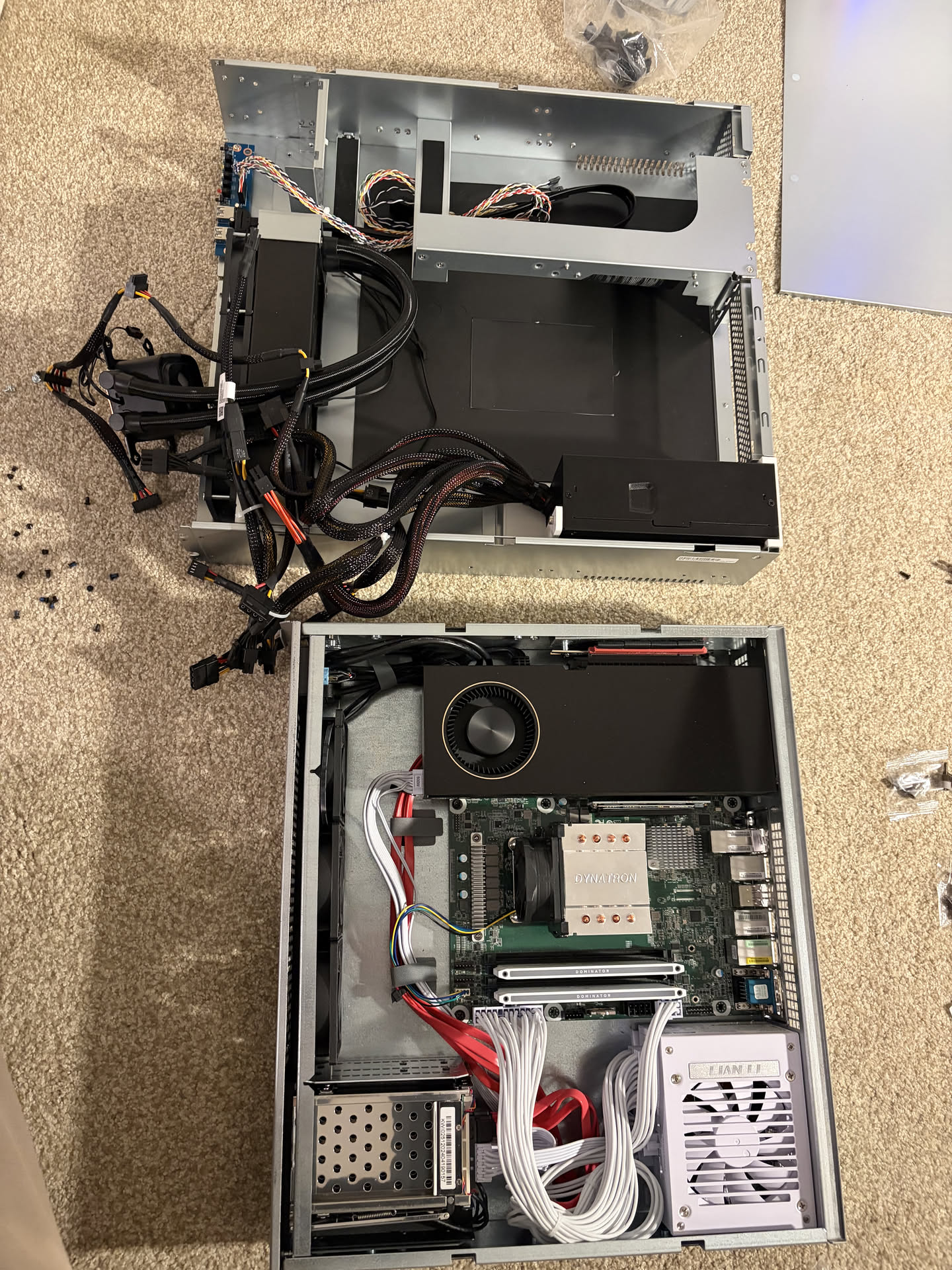
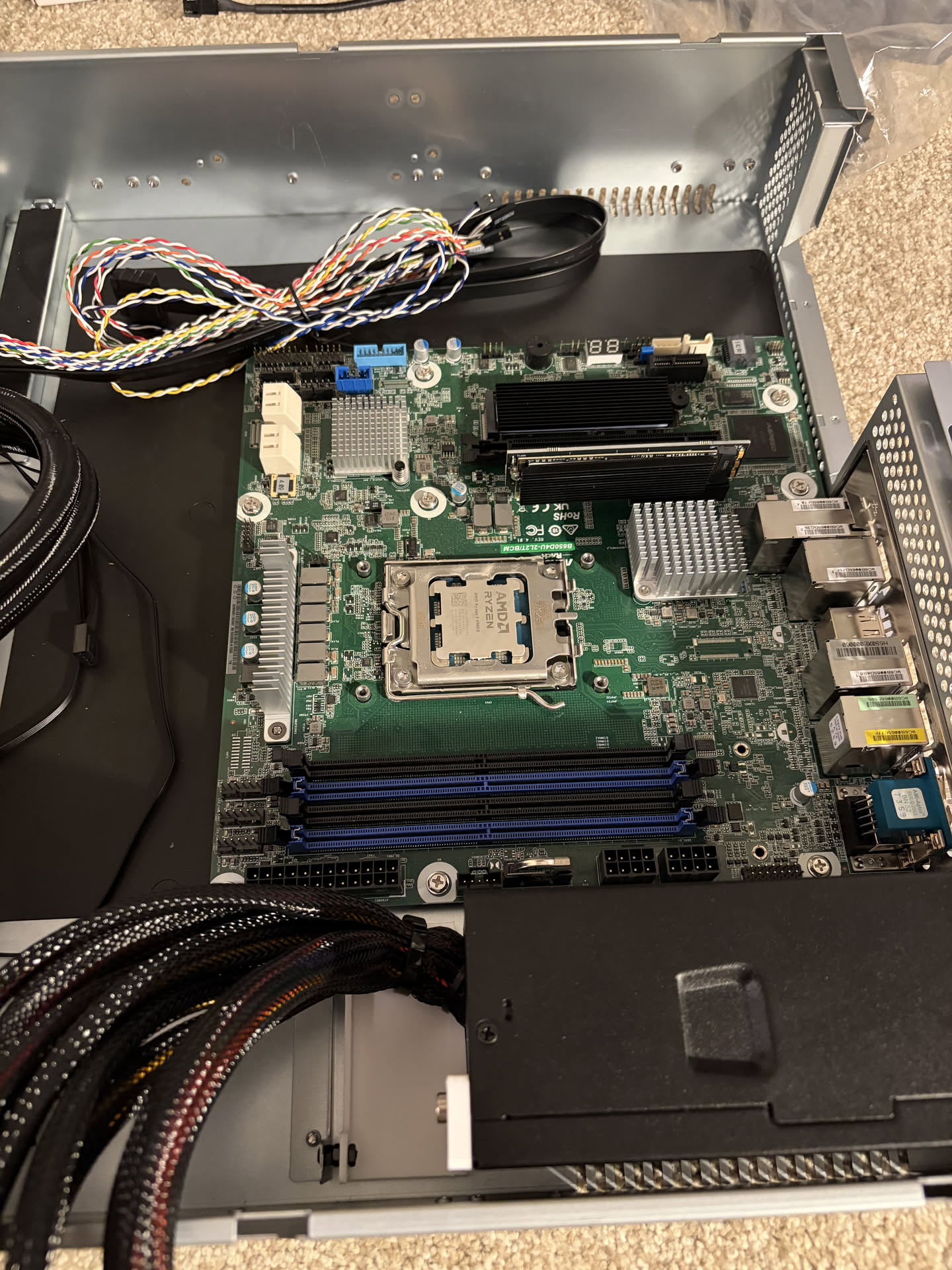
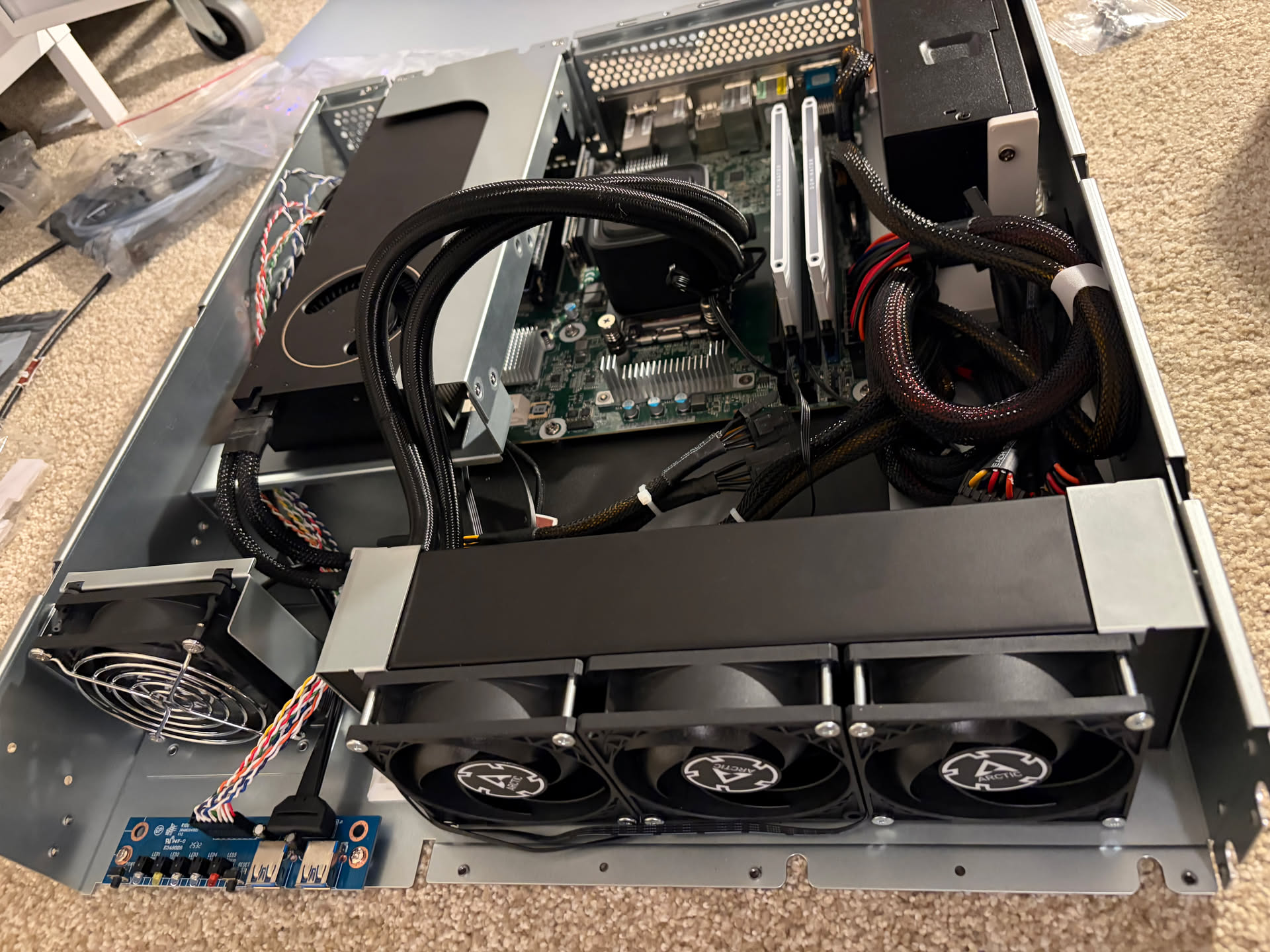
Thus I decided to do a case swap to the InWin IW-RL200, which comes with an AM5 AIO, as well as case design that I personally prefer over the sliger case.
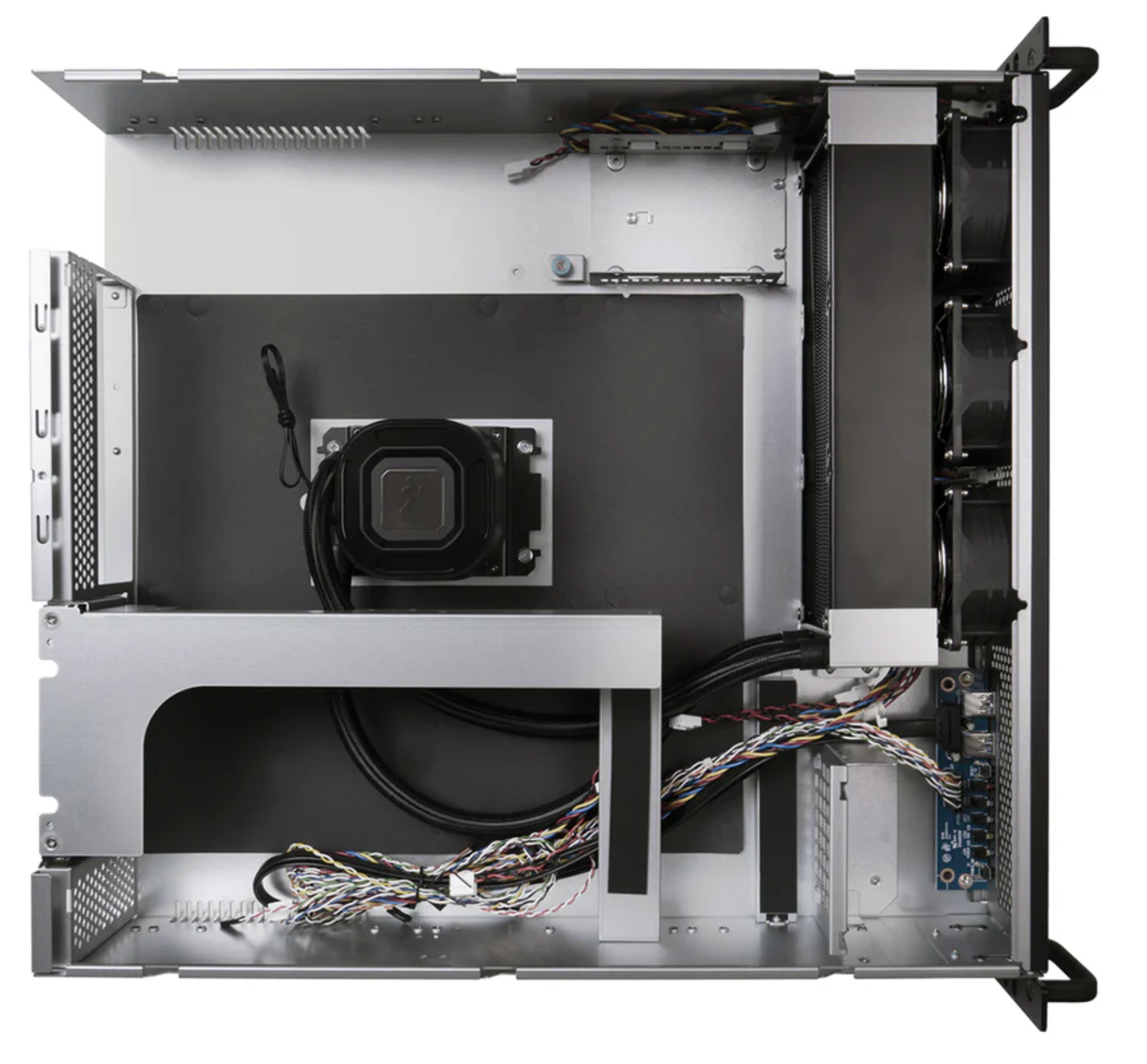
The goal wasn't to make the CPU run cooler, but more to reduce temperature spikes (ie during unzipping large files) which should reduce annoying fan noise during spikes of high utilization.
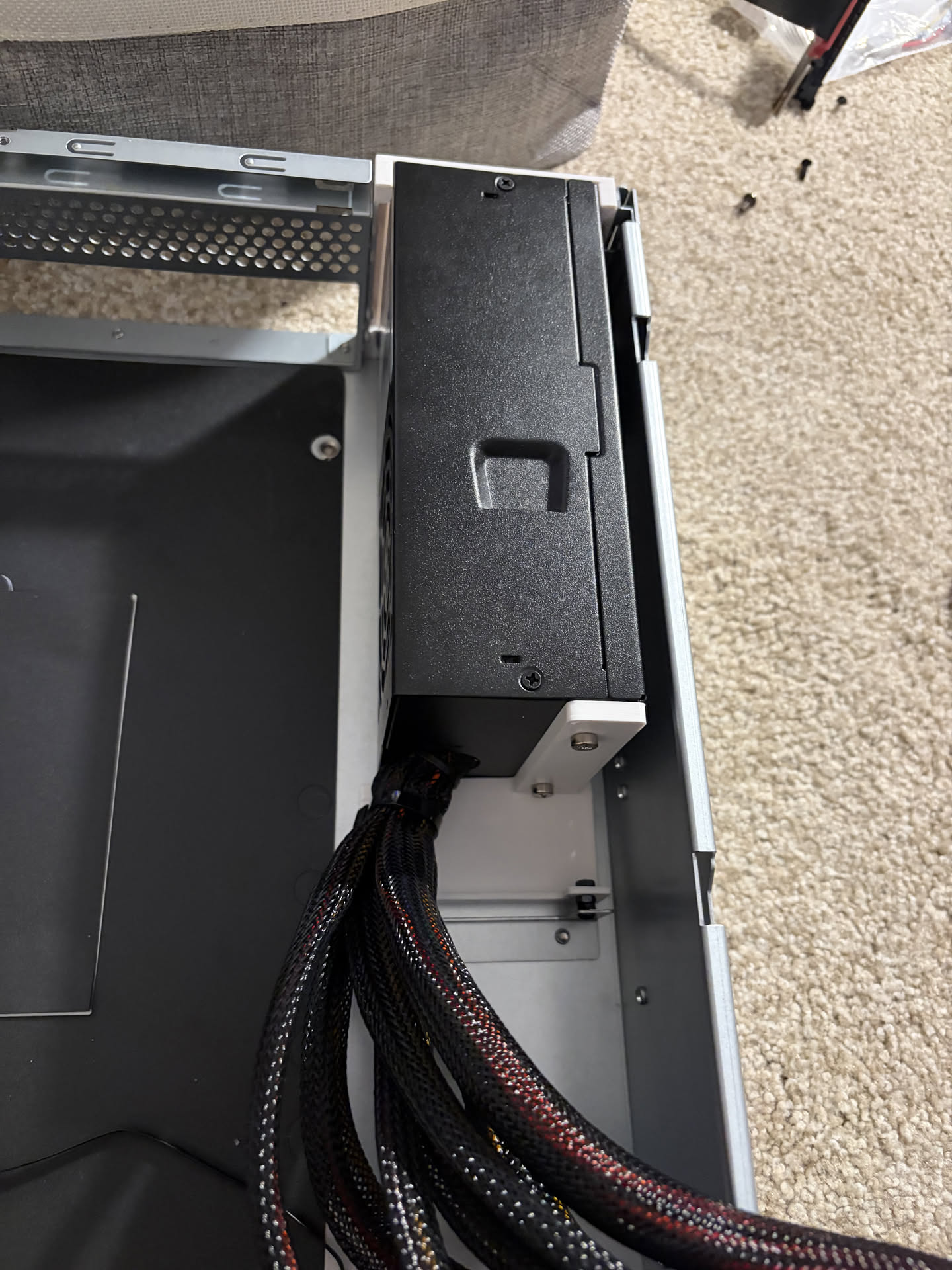
The problem though is that this case does not have the room to fit an SFX PSU that I'm currently using, and I've resorted to the same PSU solution I went with my Ampere build, the Silverstone TFX 700W PSU.
Below is the build montage pics.
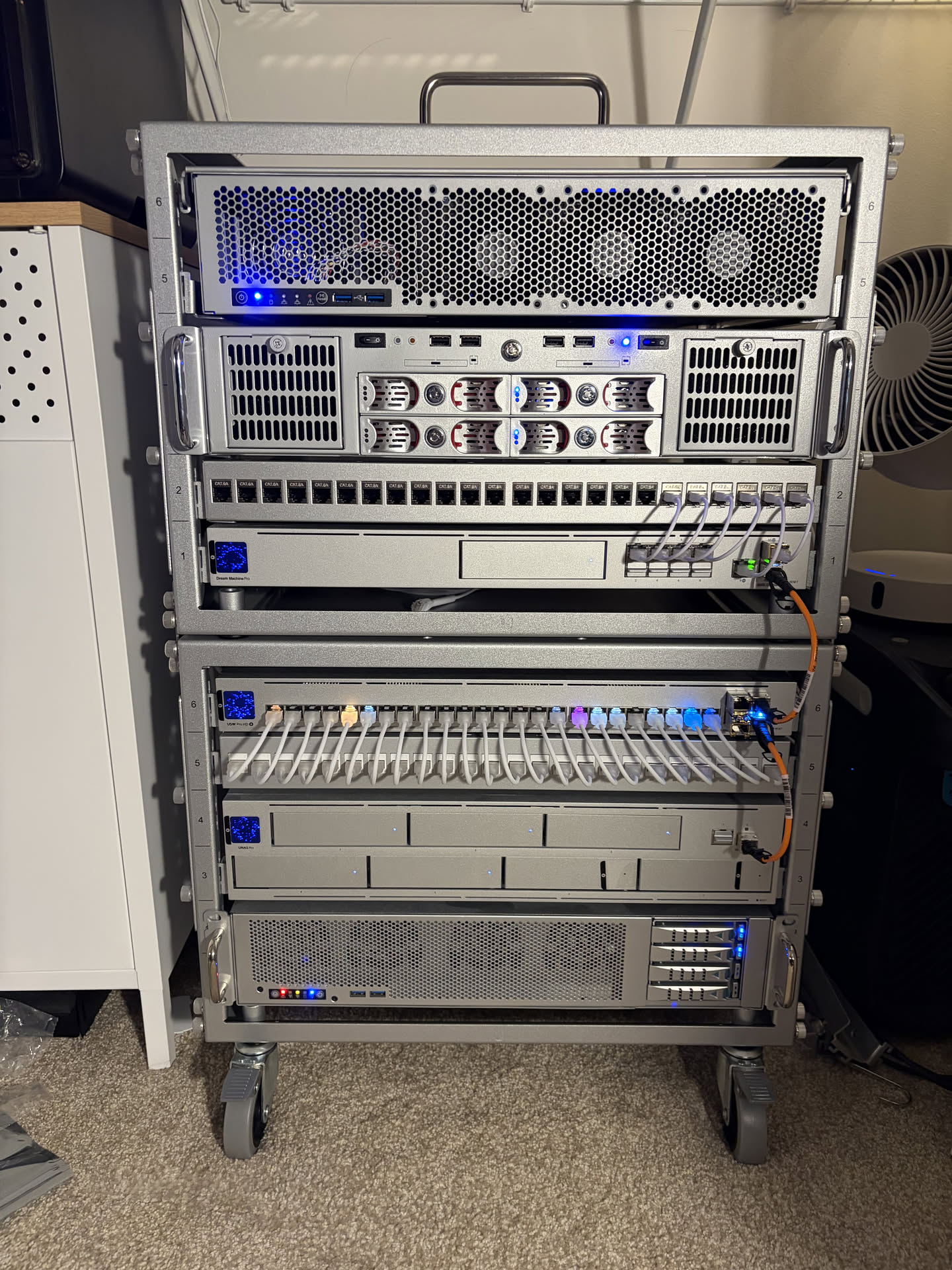
And finally, racked up!
2Ampere Server GPU Swap
I transplanted my RTX 5000 ADA from my main driver to my Ampere server. This decommissions the RTX 3090 that I have been using before to give it slightly higher (32GB) of VRAM to run smaller models. The RTX 5000 Ada brings 32GB GDDR6 with a 250W TDP, which is perfect for running inference on models in the 7B-40B parameter range without worrying about hitting memory limits. This also allows my coding AI agent plugins to utilize multiple models in parallel (a large coding model on my main machine, and a smaller reasoning model on the Ampere machine) without having to constantly load/unload models.
The Market Bet
A lot of this decision is based on an assumption that the compute landscape of 2026-2027 will not drastically change, because of the RAM shortage and chip shortage from the AI bubble. Nvidia has already said no new GPUs will launch in 2026 and maybe even 2027, and most RAM manufacturers have sold out on RAM capacity for the next few years, so I'm taking a bet that now is the right time to upgrade to be AI-ready, as most likely prices will continue to go up and I hopefully won't run into buyer's remorse because there will be no new significant hardware releases for the next few years that would make my setup obsolete.
Physical Constraints and Future Scalability Bottlenecks
The last part I'd like to talk about is that I currently have a physical constraint when it comes to potentially adding one more RTX Pro 6000, both a power constraint and a size constraint.
Adding another 300W TDP (for the max-q version) gives me almost no wiggle room to add additional compute to my rack, which already has a 900w theoretical maximum load, and my 2U server chassis I am using do not have room for a second full-height full-width pcie card.
So when I do have a need to get a second RTX Pro 6000, I'm thinking of putting it on the Ampere server and clustering the two servers initially through my existing 10G connection, and maybe eventually add a 100G NIC if necessary. This would let me scale compute without hitting the physical constraints of my current rack setup.