Dual RTX Pro 6000 Upgrade
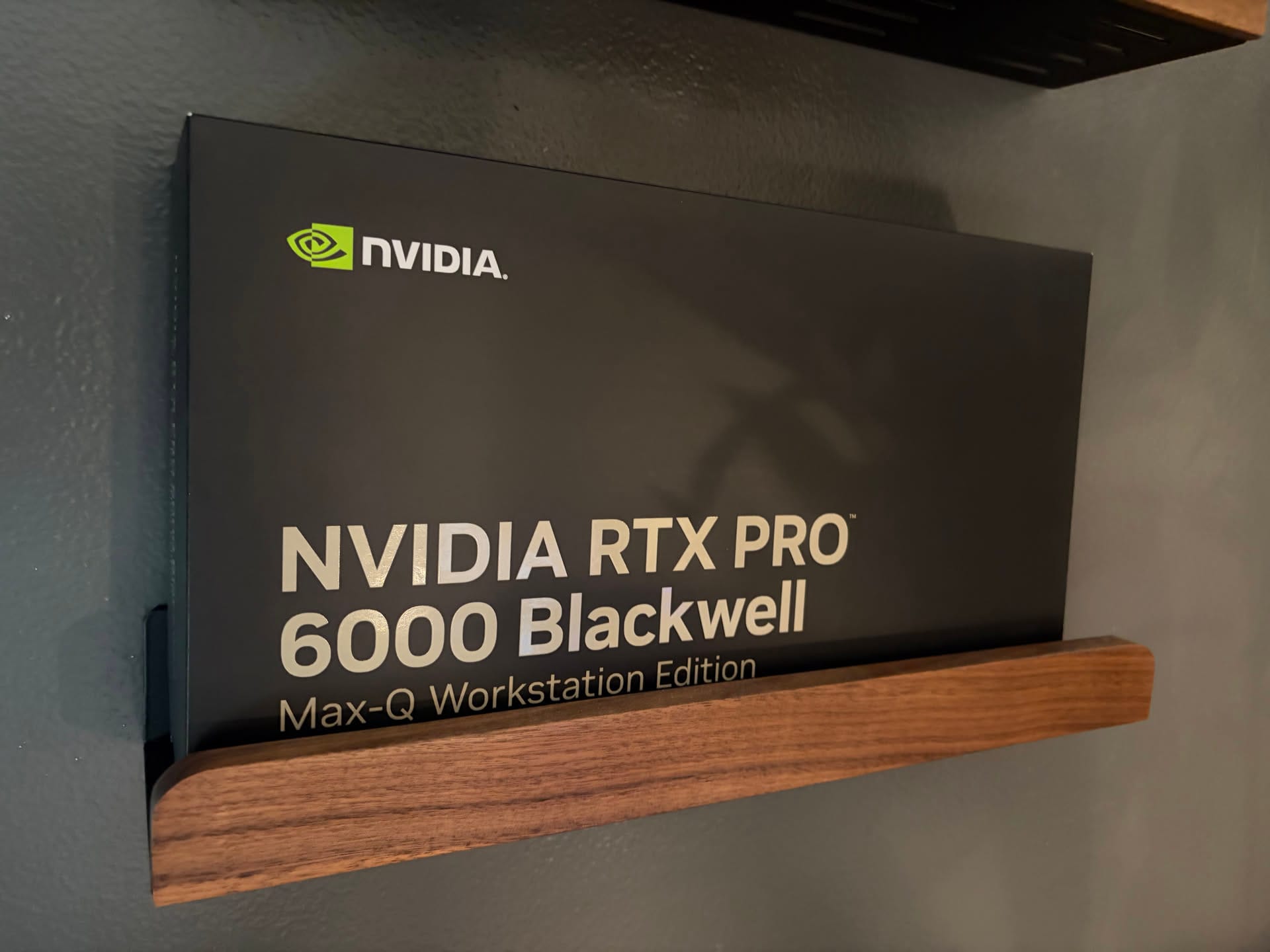
Recently I've upgraded one of my servers to an RTX Pro 6000 Blackwell, and I've been doing a lot of agentic coding with it using Qwen3.5-122B. That said, I wanted to upgrade my other server with a second RTX Pro 6000, for a total combined 192GB of VRAM to run even larger models, in this case Minimax M2.5.
The jump from 96GB to 192GB actually doesn't seem to be that significant as of the day of this writing, because it doesn't quite unlock access to that many more frontier open weight models.
Here is my rough analysis of where things are today:
Models that fit on 96GB VRAM:
- Qwen3.5-122B
- gpt-oss-120b
- nemotron-3-super-120b
- Qwen3-coder-next
Models that fit on 192GB VRAM:
- Minimax M2.5
- Step 3.5 Flash
Models that barely fits, mostly just experimental:
- Qwen3.5-397B at 3 bit quant
Models that are probably not ever going to be for enthusiasts/prosumers:
- Kimi K2
- GLM 5
The main "unlock" we get with the second GPU is Minimax M2.5, which seems to be highly rated by many folks, and Step 3.5, which seems to be more of a sleeper pick but also a lot of strong reviews.
So for another $9000 USD, it's probably not a wise financial choice (this whole project/hobby is not financially a good choice 😓), but there are some more things I am excited about than just the VRAM.
Cannot fit two cards in one system
My specific home lab purely uses 2U chassis, purely for design and personal preference than practicability. I like fun, challenging, and unique builds, which 2U builds present. It's kind of like building an SFF build - you run into a lot of physical constraints, and also you become very limited with parts compatibility that you need to look for very specific products or solutions to work around. Whereas anything 3U or 4U are essentially just traditional PC towers that are rackmountable, and you can most likely build those PCs using consumer parts. No fun in that.
The issue with 2U chassis is that unless you have a really deep rack, there's no way to fit more than one full size GPU in a single system. And this is exactly the challenge I have: what if I can cluster both my servers, each running an RTX Pro 6000, for a combined 192GB VRAM for inference?
Buying some extra parts
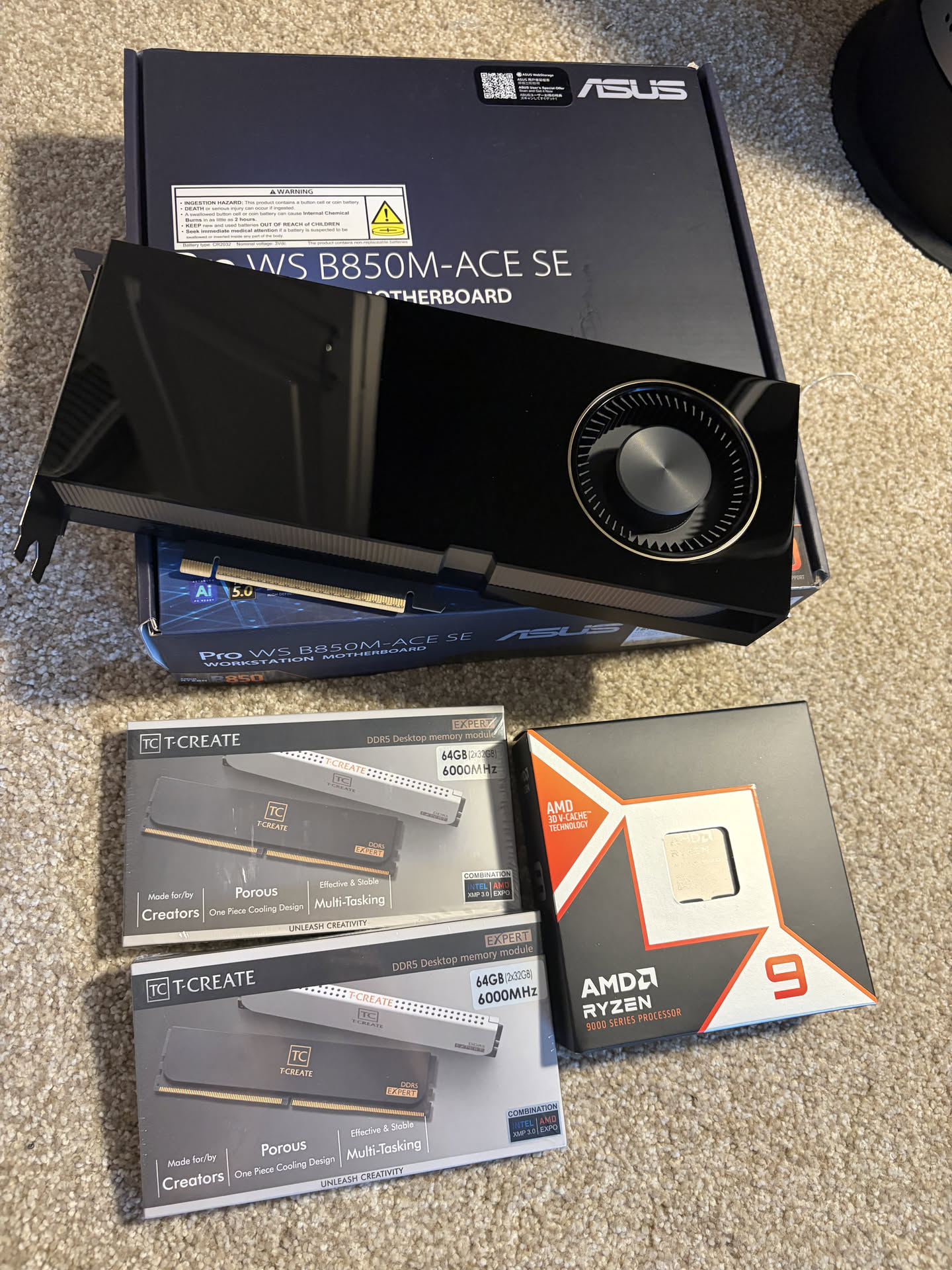
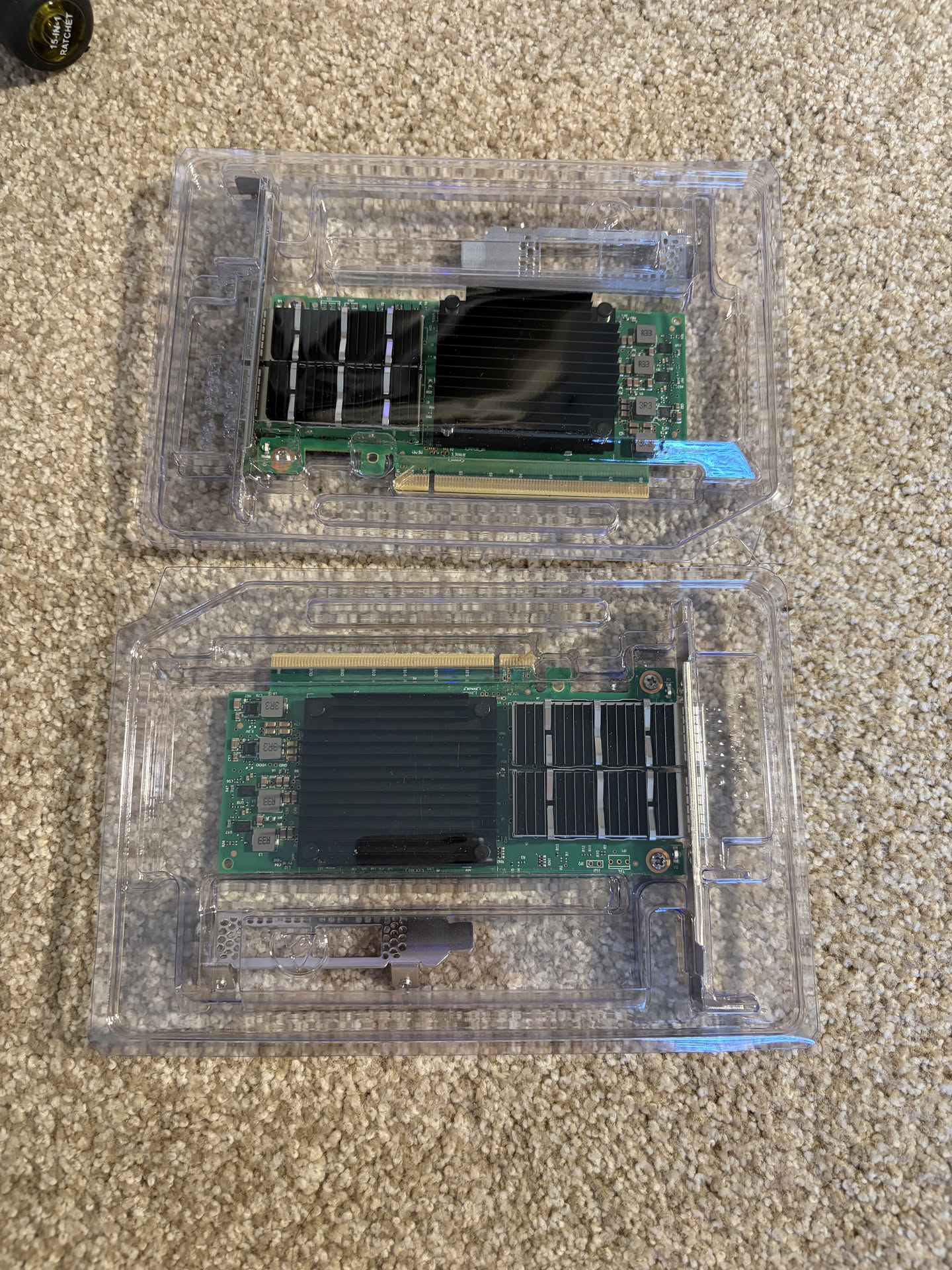
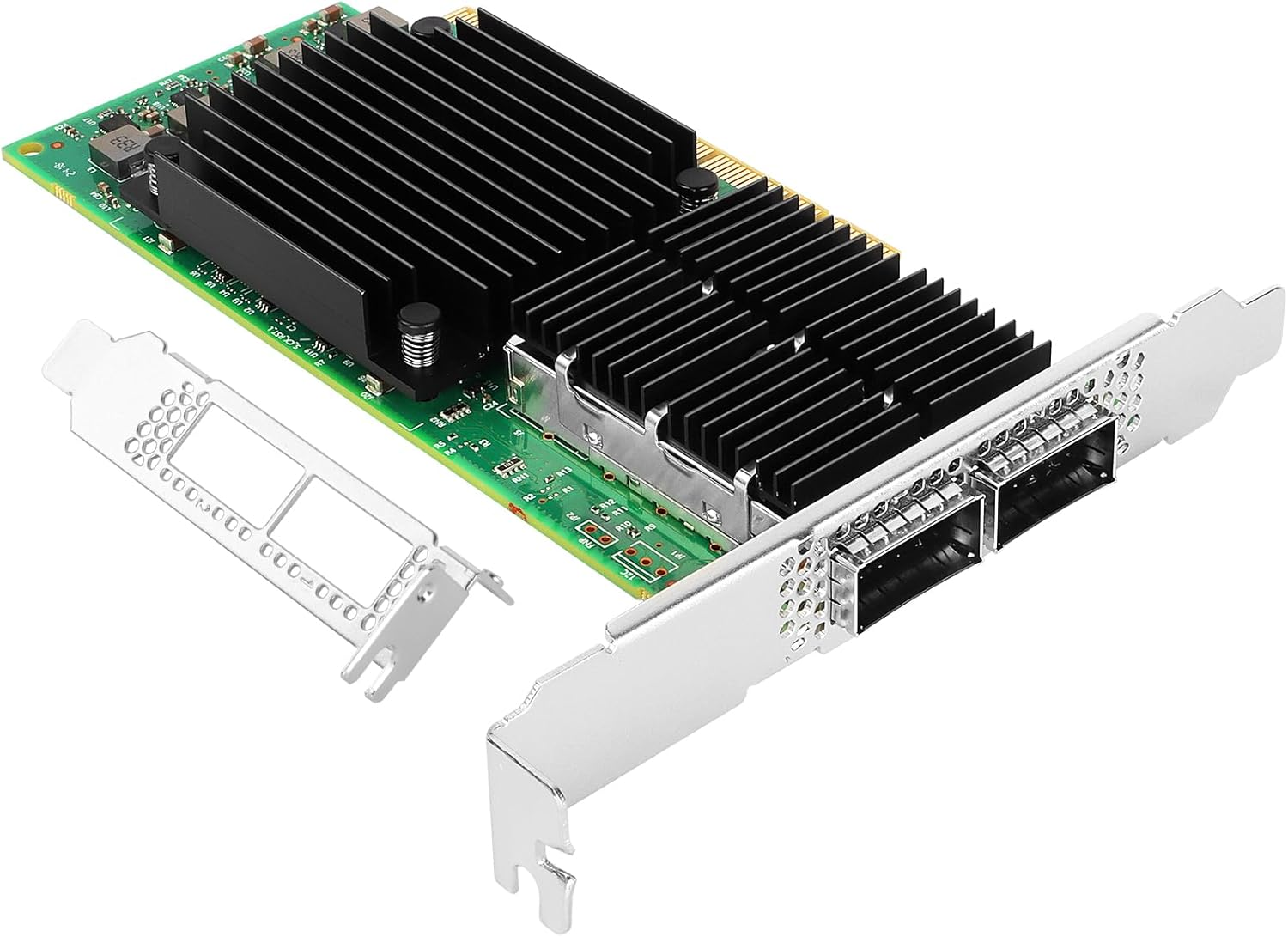
As with all things, I started by shopping around for an interconnect solution. I decided on 2x 100Gb Mellanox connectx-5 cards for a DAC connection between the two servers.
Another new AM5 motherboard
The challenge of installing a new Mellanox card in my current windows system is that the motherboard only has one extra x1 PCIe Lane, which will cripple the 100Gb bandwidth of the card.
At the time of the build, I had a specific need of an AM5 motherboard with a server layout (essentially where the the RAM slots are perpendicular to the IO shield, so that ram sticks do not block airflow from front of the chassis out to the back). The Asrock Rack B650D4U was the only option at that time, designed for the AM5 Epyc CPUs, with the main downside being poor the PCIe lane layout.
Today, there's a new motherboard available, the ASUS Pro WS B850M-ACE SE AM5.
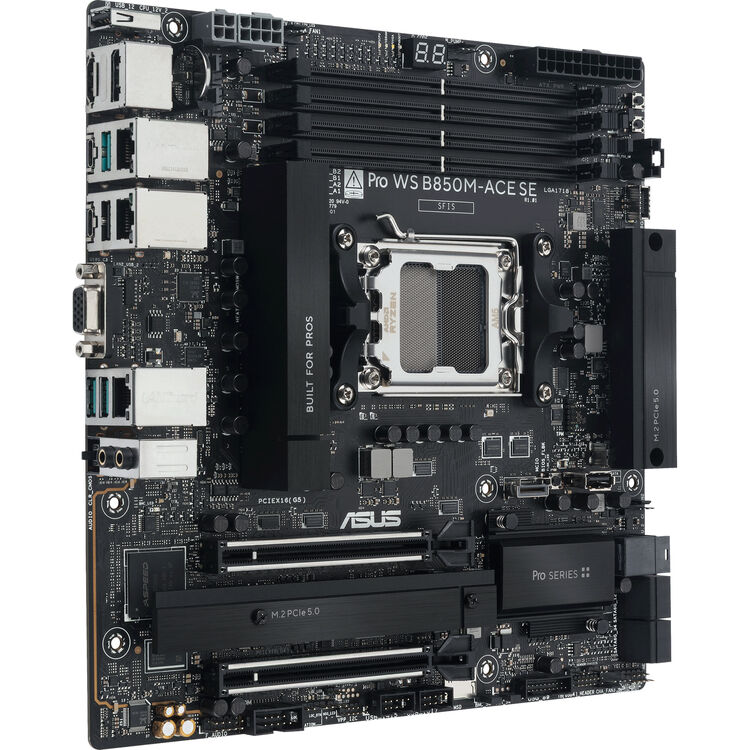
This motherboard has the same general layout, but some key differences, including two m.2 PCIe slots (vs just 1), and two full size pcie x16 lanes, although the bottom one is just a pcie 4.0 x4. This means that while the second lane only has 64 Gbps of bandwidth, it's still a whole lot more than an x1 lane which is 16Gbps, which essentially makes a high speed interconnect literally impossible.
While I was at the upgrade, I decided to make some other viable upgrades as well
- R9 9900x -> R9 9900x3d
- 64GB RAM -> 128GB RAM
The CPU upgrade felt like a "freebie", CPU prices compared to GPUs and RAM is so cheap that it felt like an extra add-on I just added to the cart.
The RAM upgrade was critical, but very painful... Model loading times were hindered because I had more VRAM (96GB) than system RAM, and my PC would freeze due to system ram hitting 100%. The lesson I learned is that there should be enough system RAM to supplement the VRAM.
It felt really bad paying nearly 2K USD for the RAM though.
First Test: Pipeline Parallelism
So the dumb side of me forgot to order QSFP DAC cables to get the Mellanox cards connected, so for the first test for today, I'll just be doing pipeline parallelism to run Minimax M2.5.
Pipeline parallelism doesn't require constant back and forth between the two servers during inference, which should be a good test to ensure that the two nodes would be able to pool up the VRAM.
I'm using the following quant which plays nicely with vLLM:


Head node - Linux
#!/bin/bash
source /home/user/vllm_env/bin/activate

# Network interfaces
export GLOO_SOCKET_IFNAME=enP3p3s0f0
export NCCL_SOCKET_IFNAME=enP3p3s0f0
export VLLM_HOST_IP=192.168.1.223  # this is the node's own IP

# NCCL tuning
export NCCL_CUMEM_ENABLE=0
export NCCL_P2P_DISABLE=1
export NCCL_IB_DISABLE=1
export NCCL_NET=Socket
export NCCL_P2P_NET_CHUNKSIZE=524288

# vLLM tuning
export VLLM_SLEEP_WHEN_IDLE=1
export PYTORCH_ALLOC_CONF=expandable_segments:True,max_split_size_mb:512

export LD_LIBRARY_PATH=/home/user/vllm_env/lib/python3.12/site-packages/nvidia/nccl/lib:$LD_LIBRARY_PATH

vllm serve mratsim/MiniMax-M2.5-FP8-INT4-AWQ \
  --served-model-name MiniMax-M2.5 \
  --pipeline-parallel-size 2 \
  --tensor-parallel-size 1 \
  --gpu-memory-utilization 0.93 \
  --max-model-len 145000 \
  --port 8100 \
  --trust-remote-code \
  --nnodes 2 \
  --node-rank 0 \
  --master-addr 192.168.1.223 \
  --master-port 29500 \
  --override-generation-config '{"temperature": 1, "top_p": 0.95, "top_k": 40, "repetition_penalty": 1.1, "frequency_penalty": 0.40}' \
  --enable-auto-tool-choice \
  --tool-call-parser minimax_m2 \
  --reasoning-parser minimax_m2
Worker node - WSL
#!/bin/bash
source /home/user/vllm_env/bin/activate

# Network interfaces
export GLOO_SOCKET_IFNAME=eth1
export NCCL_SOCKET_IFNAME=eth1
export VLLM_HOST_IP=192.168.1.65    # worker node's own ip

# NCCL tuning
export NCCL_CUMEM_ENABLE=0
export NCCL_P2P_DISABLE=1
export NCCL_IB_DISABLE=1
export NCCL_NET=Socket
export NCCL_P2P_NET_CHUNKSIZE=524288

# vLLM tuning
export VLLM_SLEEP_WHEN_IDLE=1
export PYTORCH_ALLOC_CONF=expandable_segments:True,max_split_size_mb:512

export LD_LIBRARY_PATH=/home/user/vllm_env/lib/python3.12/site-packages/nvidia/nccl/lib:$LD_LIBRARY_PATH

vllm serve mratsim/MiniMax-M2.5-FP8-INT4-AWQ \
  --served-model-name MiniMax-M2.5 \
  --pipeline-parallel-size 2 \
  --tensor-parallel-size 1 \
  --gpu-memory-utilization 0.93 \
  --max-model-len 145000 \
  --port 8100 \
  --trust-remote-code \
  --nnodes 2 \
  --node-rank 1 \
  --master-addr 192.168.1.223 \
  --master-port 29500 \
  --headless \
  --override-generation-config '{"temperature": 1, "top_p": 0.95, "top_k": 40, "repetition_penalty": 1.1, "frequency_penalty": 0.40}' \
  --enable-auto-tool-choice \
  --tool-call-parser minimax_m2 \
  --reasoning-parser minimax_m2 \
  2>&1 | tee wsl_vllm.log
And finally, firing off the call:
 curl http://localhost:8100/v1/chat/completions \
  -H "Content-Type: application/json" \
  -d '{
    "model": "mratsim/MiniMax-M2.5-FP8-INT4-AWQ",
    "messages": [{"role": "user", "content": "Write an extremely detailed and comprehensive essay about the entire history of computing, from ancient counting devices through to modern AI. Cover every major era, key inventors, breakthrough technologies, and how each period led to the next. Be thorough and exhaustive."}],
    "max_tokens": 2000,
    "temperature": 1,
    "top_p": 0.95,
    "top_k": 40,
    "repetition_penalty": 1.1,
    "frequency_penalty": 0.40
  }'
(APIServer pid=306053) INFO 03-29 00:48:55 [loggers.py:259] Engine 000: Avg prompt throughput: 6.4 tokens/s, Avg generation throughput: 32.9 tokens/s, Running: 1 reqs, Waiting: 0 reqs, GPU KV cache usage: 0.3%, Prefix cache hit rate: 0.0%
(APIServer pid=306053) INFO 03-29 00:49:05 [loggers.py:259] Engine 000: Avg prompt throughput: 0.0 tokens/s, Avg generation throughput: 74.2 tokens/s, Running: 1 reqs, Waiting: 0 reqs, GPU KV cache usage: 0.7%, Prefix cache hit rate: 0.0%
(APIServer pid=306053) INFO 03-29 00:49:15 [loggers.py:259] Engine 000: Avg prompt throughput: 0.0 tokens/s, Avg generation throughput: 73.8 tokens/s, Running: 1 reqs, Waiting: 0 reqs, GPU KV cache usage: 1.1%, Prefix cache hit rate: 0.0%
(APIServer pid=306053) INFO: 127.0.0.1:57286 - "POST /v1/chat/completions HTTP/1.1" 200 OKWe're getting roughly 74 tokens/s running a 229B model across 2 GPUs in two separate nodes! The performance is so much higher than I expected, without any kind of fancy interconnects or tensor parallelism going on.
Power Draw
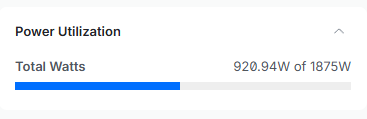
Well, the power draw is very high during inference, but at least my breakers don't seem to be tripping yet 😅
Next Steps
Once the QSFP cable arrives, I'll be trying to set up RDMA between WSL and Linux, and trying to see if Tensor Parallelism can improve this stack. But so far, I'm happy with the current performance, and I'll be doing some agentic coding testing with this model for a bit.
As for first impressions, I haven't had any tool call failures for an entire task running this model, and quite impressed. I'll have more detailed impressions once I start having the model go through difficult debugging tasks, which is where I can "feel" the intelligence of different models. Qwen3.5 122B was quite good, I was just overly frustrated by its high number of tool call failures and divergence from initial directions when tasks started to get long.